How Long Should a Product Demo Video Be? Data-Backed Guide
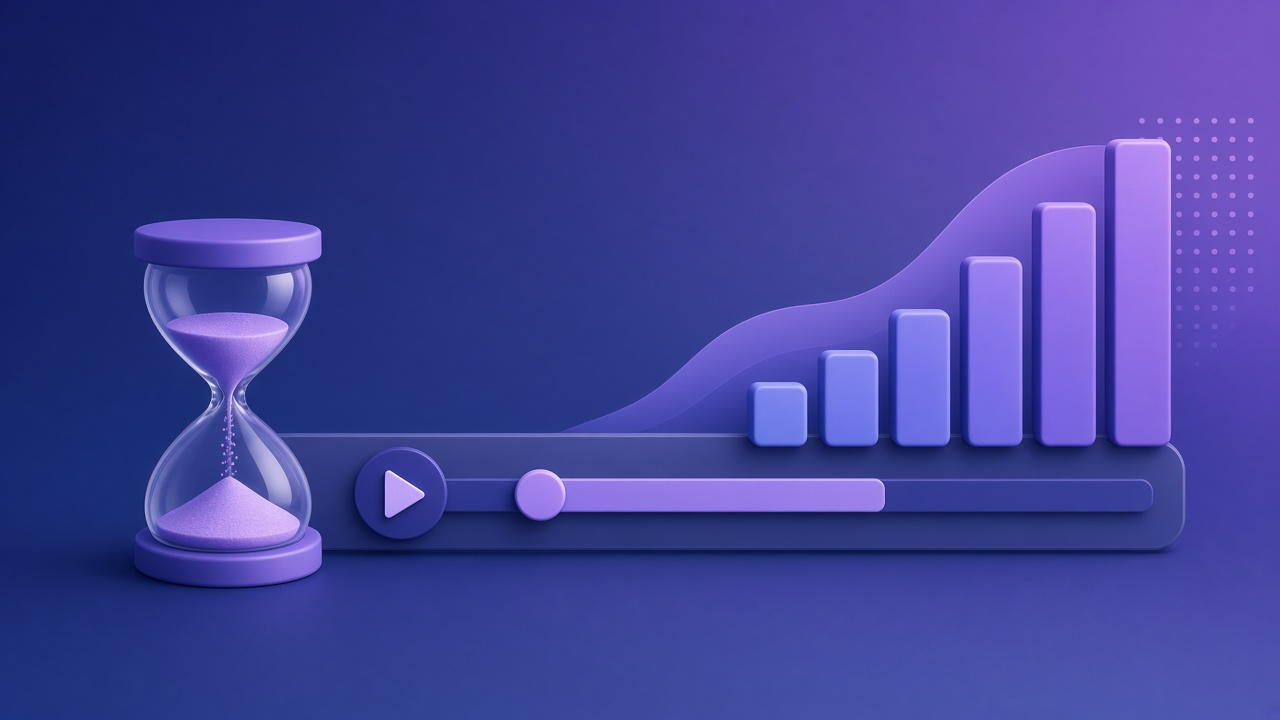
Length is a placement decision. A homepage and a sales call are not the same room, so they should not get the same file.
The numbers below are from Wistia's 2026 State of Video Report. They analyzed videos uploaded to Wistia, not a DoDemo customer survey. Engagement, in their definition, is how much of the video people watch on average. For videos they classify as product demos, they report:
- Under 1 minute: 50%
- 1–3 minutes: 46%
- 3–5 minutes: 40%
- 5–30 minutes: 28%
- 30–60 minutes: 17%
- Over 60 minutes: 12%
The table is in the 2026 State of Video Report, under engagement by video type. On their blog, Wistia puts product demos and how-tos in a 1–5 minute range when the goal is to explain: How to Choose the Right Marketing Video Length.
Match the length to where it plays
Homepage, under the headline. Aim under two minutes, and put the result in the first fifteen seconds. The Wistia product-demo rows stay close together from under a minute through three minutes, then drop. A visitor who did not ask for a demo will not give you a webinar.
Launch post or Product Hunt. Under a minute is enough when the video shows one change. Captions on. The structure is in the launch video guide.
Feature announcement to people who already use the product. One to three minutes. They know the app. Show the new control and the result. Do not re-explain the whole product.
Onboarding inside the product. One short video per step, not one long orientation. A two-minute "welcome to everything" is where people leave. Split it. More on that split is in feature and onboarding videos.
A call someone booked. Five to thirty minutes can be right, because they asked for the time. Wistia's longer bucket has lower average engagement and a more committed viewer. Lead with the result anyway. A booked call is not permission to start with a logo.
What to cut when you are over the length
Cut login, loading, and any menu you only opened by accident. Cut a second feature that is not the task. Cut the origin story.
Keep the painful frame, the click, and the result. DoDemo's zoom regions exist so that click can be short and still readable. You record the path once, keep the zoom on the result, and export. You do not buy length back by talking faster over a wandering cursor.
If you already have a long recording, do not upload it to the homepage and hope. Duplicate the project in your head as two exports: a short MP4 for the page, and the long file for the call. The short one is a new edit of the same task, not a sped-up tour.
A practical target
For a SaaS landing page, record so the finished MP4 can land between 45 and 90 seconds. That sits inside the range where Wistia's product-demo engagement is still near the top of their table, and it is long enough to show one real task.
Time the take with the 30-minute production pass. Download DoDemo when the shot list is one task, not a map of the product.